


User Experience
Default Effect in UX Design: Why People Keep What They Are Given
The default effect is the habit of keeping whatever is already selected. See how it works in forms and settings, with studies and a fair way to set defaults.
Page 3 of 7. Articles 25 to 36 of 81, newest first. Pick a topic in the bar above to narrow down.
The default effect is the habit of keeping whatever is already selected. See how it works in forms and settings, with studies and a fair way to set defaults.
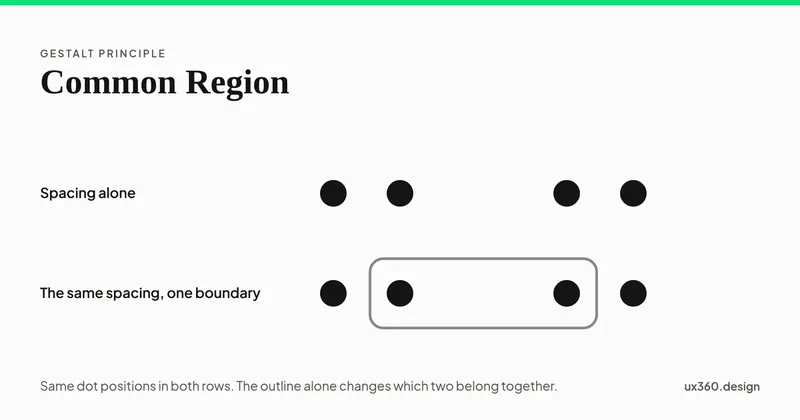
The law of common region: a shared boundary groups whatever it encloses. Why it beats proximity, what counts as a boundary, and what every boundary costs.
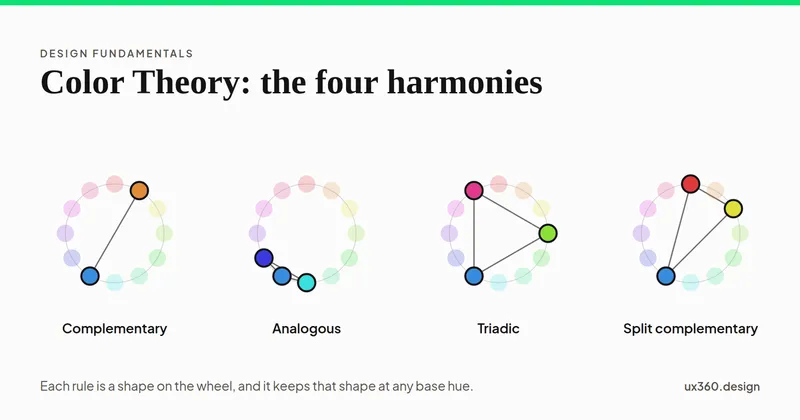
How colors combine: additive RGB and subtractive CMYK, the wheel, the harmonies, tint and tone, simultaneous contrast, palettes and the contrast floor.
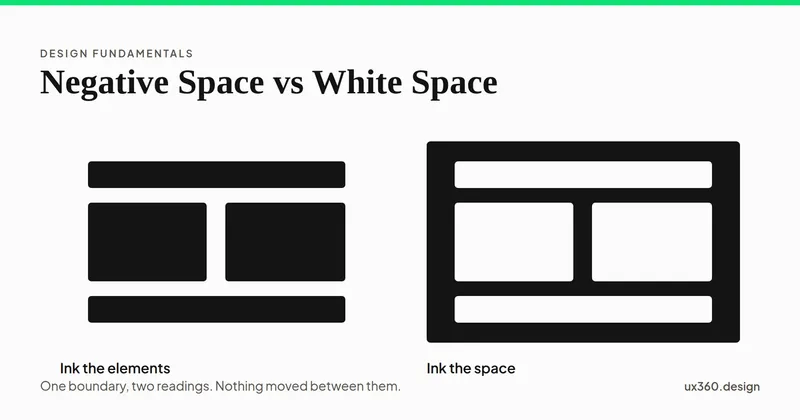
White space and negative space name the same empty area. The difference is the job it does: one separates elements, the other forms a shape of its own.
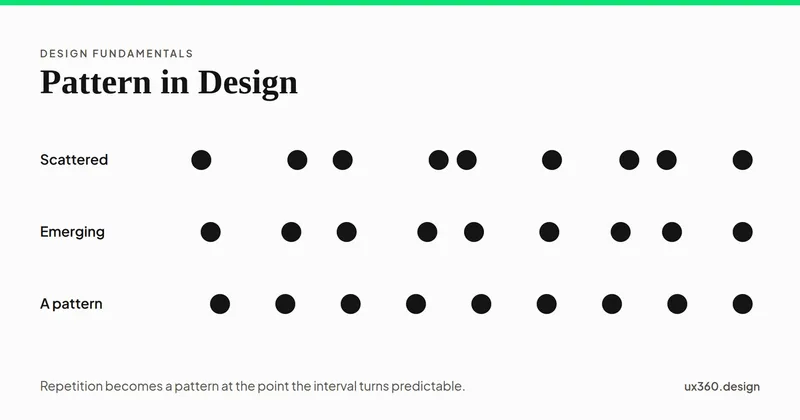
A pattern is repetition regular enough to predict. What pattern means in composition, how it differs from repetition and rhythm, and where it fails.
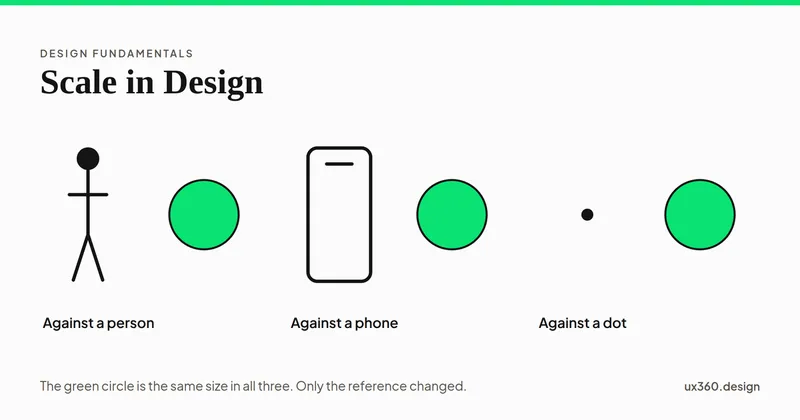
Scale is the size of an element measured against a reference. What scale means, how it differs from proportion, and how to use it to build hierarchy.
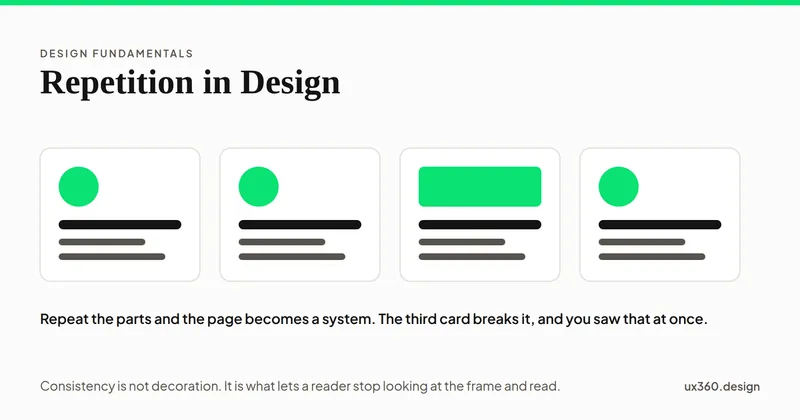
Repetition is reusing an element so a design reads as one piece. Learn what to repeat, how it builds consistency and recognition, and when it turns dull.
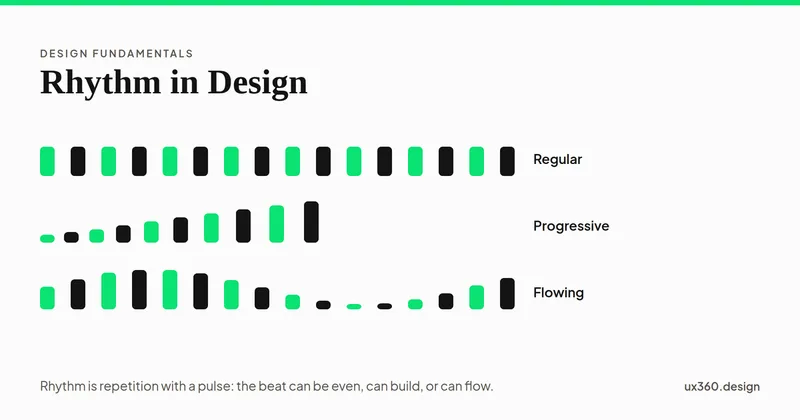
Rhythm is repetition at intervals that sets a pace for the eye. Learn the five types, from regular to progressive, with examples from real interfaces.
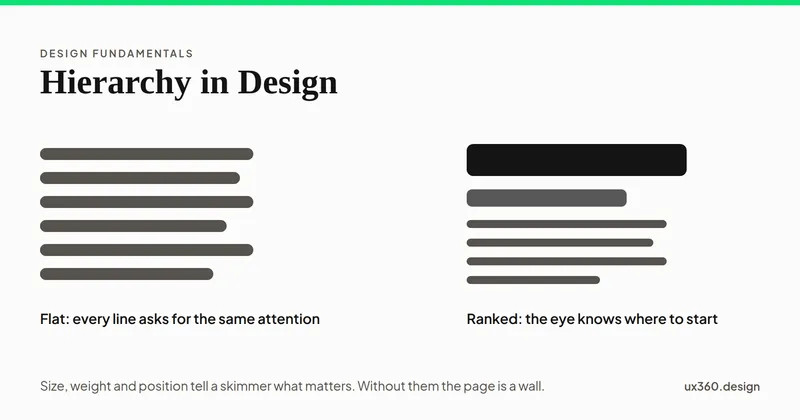
Hierarchy is the order in which a design is read. Learn how size, weight, color, position and space set that order, with examples from real interfaces.
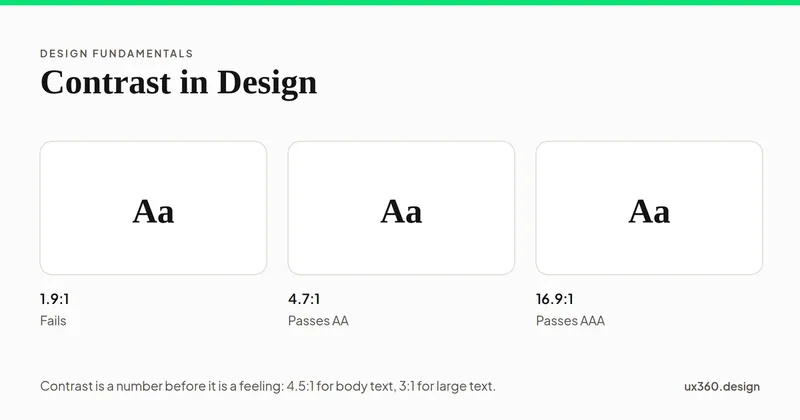
Contrast is the difference between two elements that makes each one easier to see. Learn the six types, with examples, and how much contrast is enough.
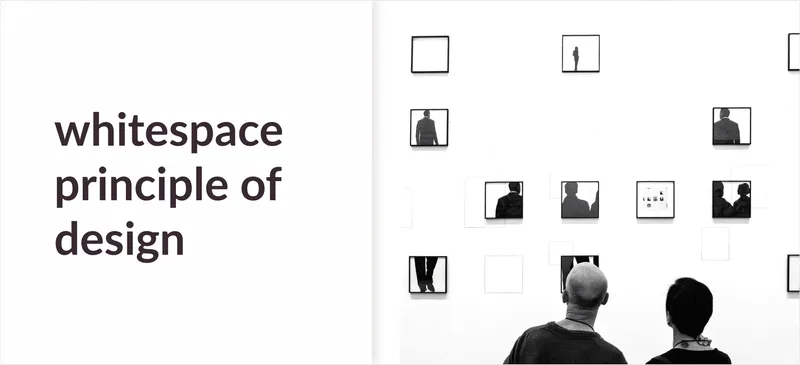
White space (negative space) is the empty area between elements. What it does for hierarchy, readability and focus, with Squarespace and Apple examples.

Emphasis is how you pull the eye to one part of a composition. Learn the techniques (contrast, isolation, placement, scale) with real UI and poster examples.