

ux360.design Principles of design
Name Date
Gestalt principles
Gestalt principles describe how our eyes group what we see into wholes. Our brain sorts things into groups and fills in gaps, even when no group or shape is drawn.
Four principles to start with
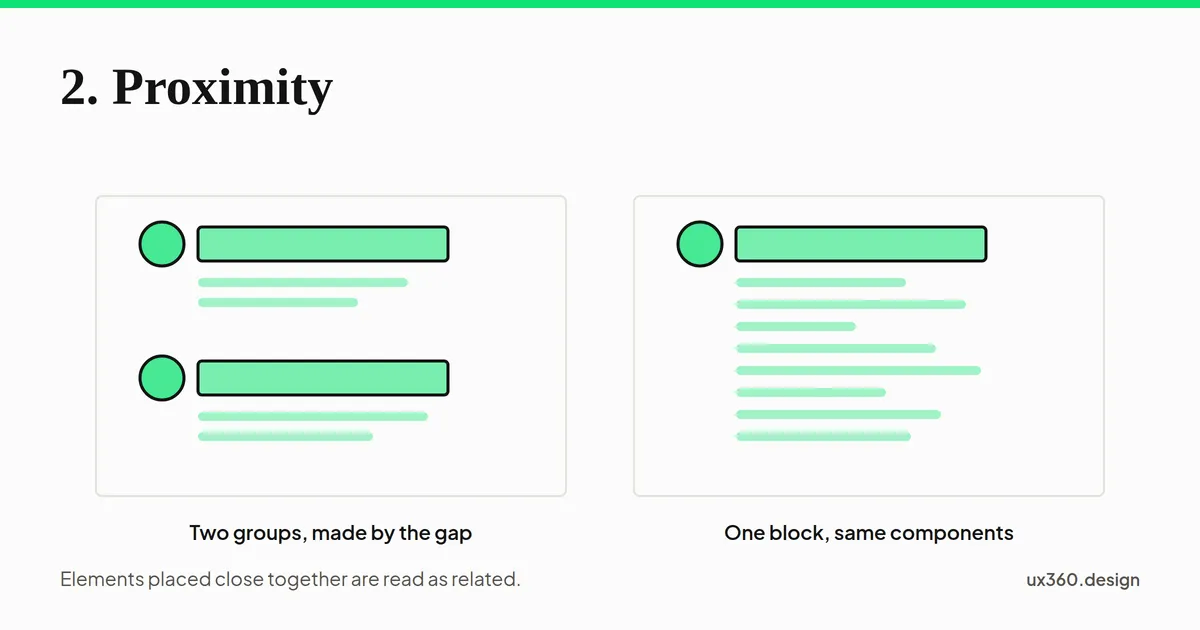
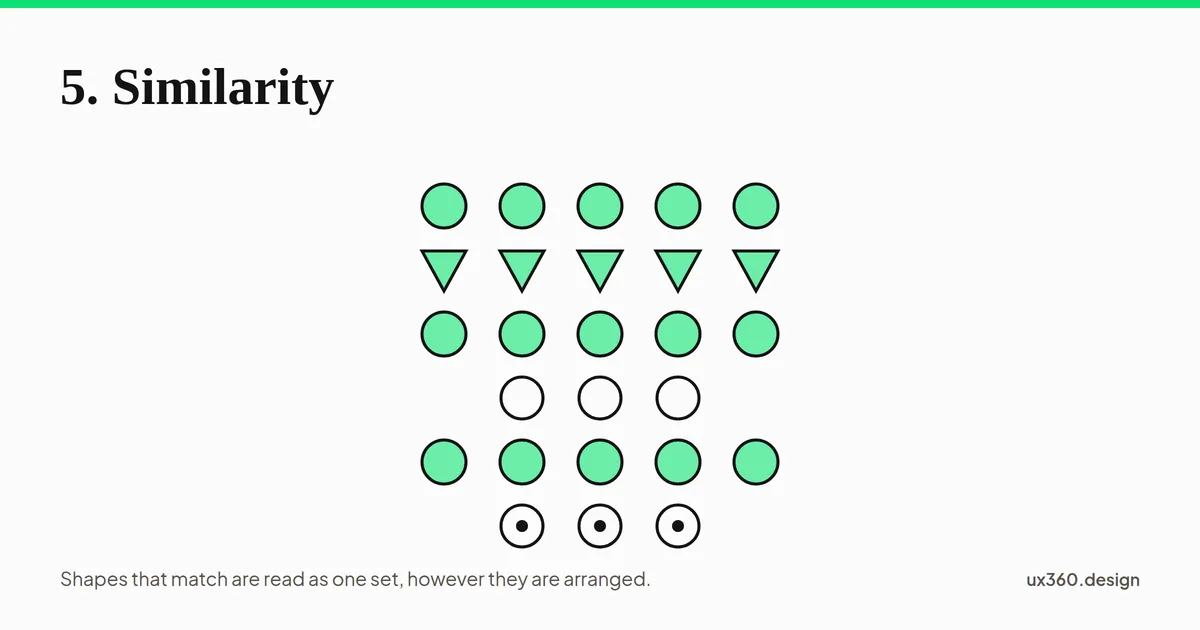
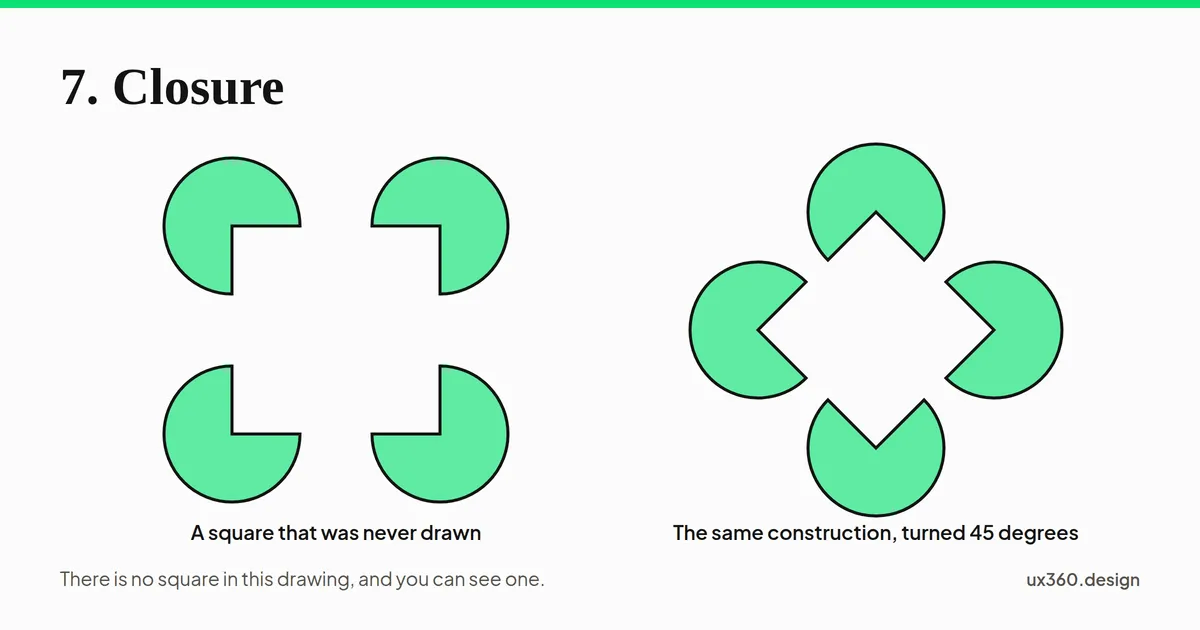
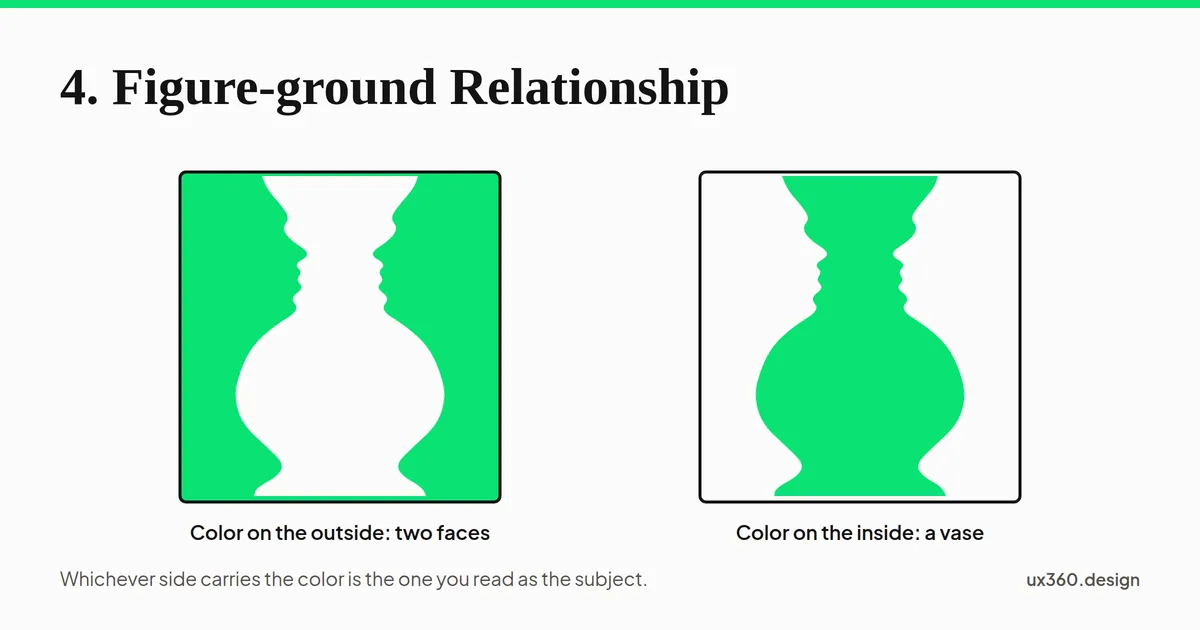
Try it
Draw eight dots. Arrange them so people see two groups, without drawing any lines or boxes.
What made the two groups: proximity, similarity, or both? How do you know?
Read the full lesson: ux360.design/gestalt-principles-design/
ux360.design Gestalt principles
Name
Check yourself
Circle one answer for each question.
-
1A form puts each label right next to its box. Which principle helps you see which label goes with which box?
- Proximity
- Closure
- Figure-ground
-
2On a web page, every link is blue. Which principle tells you they all do the same job?
- Proximity
- Similarity
- Closure
-
3A logo is made of shapes with gaps, but you still see a circle. Why?
- Your brain fills in the missing parts
- The circle is drawn very lightly
- The gaps make the logo bigger
-
4A pop-up window sits on top of a dimmed page. Which principle is at work?
- Similarity
- Figure-ground
- Proximity
-
5What do all the Gestalt principles have in common?
- They are about choosing colors
- They describe how the brain groups and simplifies what it sees
- They only apply to logos
Want to check online? The same questions are at the end of ux360.design/gestalt-principles-design/
ux360.design Gestalt principles
For the teacher
Answer key
- 1A. Proximity. Things close together look like a group, so each label pairs with the box beside it.
- 2B. Similarity. Things that look alike seem to belong together, so every blue word reads as a link.
- 3A. Your brain fills in the missing parts. That is closure. The brain completes the shape even though part of it is missing.
- 4B. Figure-ground. The window is the figure and the dimmed page is the ground, so your eye goes to the window.
- 5B. They describe how the brain groups and simplifies what it sees. Each one is a way the brain turns a busy scene into simple groups and wholes.
In class, about 30 minutes: read the lesson, do page 1, then page 2.
More free handouts: ux360.design/teachers/